
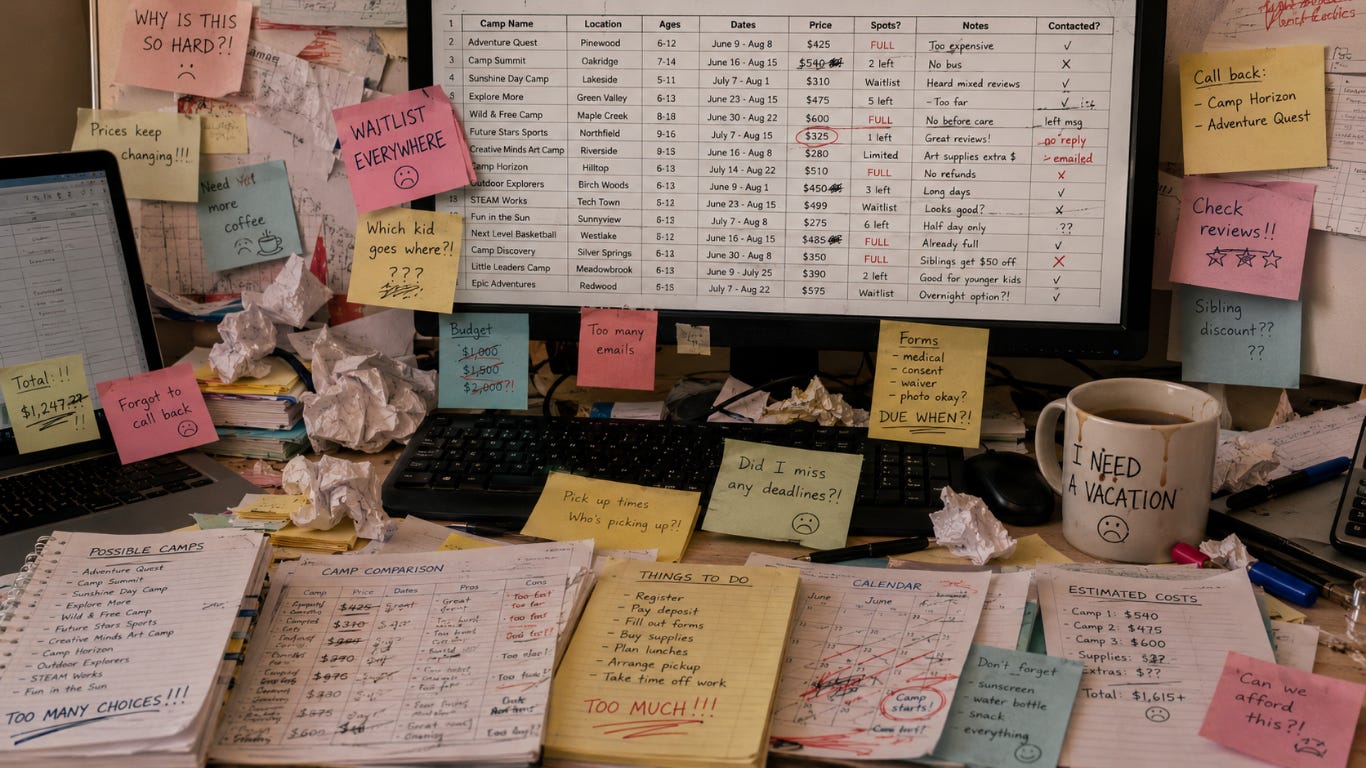
Every year in January, a quiet panic sets in for parents. Registration dates for summer camps start flashing on social media. Group chats light up with moms and dads asking, “Where are you sending your kids this summer?”
If you are an organized, proactive parent, your first instinct is to open your computer. You launch Microsoft Excel or Google Sheets. You open a fresh, blank grid. You feel a sense of control as you type out columns for Week, Dates, Child, Camp Name, and Cost. You even colour-code it; blue for sports camps, green for outdoor camps, and yellow for STEM.
For a few weeks, you feel like a master coordinator. But by April, reality hits.
Your beautiful spreadsheet has turned into a digital graveyard of broken links, outdated session times, and formatting errors. When you try to check it on your phone during school drop-off, the columns crunch together, making it impossible to read.
The truth is hard to face: Your summer camp spreadsheet is failing you.
You do not need a better spreadsheet template. You do not need to learn advanced Excel formulas. You need a tool built for the reality of family life. Here is a deep dive into why old school planning methods break down, and how a modern tool like KikiPlan.com can save your summer sanity.
The Hidden Trap of the “Perfect” Camp Spreadsheet
On paper, a spreadsheet seems like the perfect tool for a logistics problem. But summer camp planning isn’t just about data entry. It is a fast moving puzzle with constantly changing pieces.
When you use a static spreadsheet, you are signing up for a second part-time job as a data entry clerk. Here are the major flaws that break down your planning process every single year.
1. The Mobile Viewing Nightmare
Spreadsheets were originally built for corporate accountants sitting at giant office desks with two monitors. They were never designed for a parent multi-tasking on an iPhone.
Imagine you are standing at the soccer field or waiting in the school pick-up line. Another parent says, “Hey, we just found an amazing art camp for the week of July 13th! Is your daughter free?”
You open your Google Sheets app. You pinch your fingers on the screen to zoom in. You scroll endlessly to the right to find the column for your daughter. The text is microscopic. You accidentally type a random letter into a cell, breaking your neat formatting. By the time you find the right row, the conversation has moved on.
A planning tool must fit into the palm of your hand and work instantly on the go. If you cannot read it or update it in thirty seconds while your kids are screaming in the back seat, it is the wrong tool.

2. The Static Data Trap (Zero Thinking Power)
A spreadsheet is completely silent and empty until you manually type into it. It has no brain. It cannot help you solve your problems; it only records your homework.
Think about how much manual research you have to do to fill out that grid:
You search Google for local camps.
You click on ten different tabs to check age requirements.
You look up addresses on Google Maps to see if the morning drop-off drive is realistic.
You copy and paste dates into your sheet.
If a camp session fills up, your spreadsheet won’t alert you. If you accidentally put a 6 year old into a camp designed for 10 year olds, Excel won’t flag the error. You have to do all the cognitive heavy lifting yourself. In a world where apps can route our traffic and predict our grocery lists, parents shouldn’t have to manually hunt for camp data.
3. The Text-Message Coordination Mess
One of the best parts of summer camp is sending your kids with their best friends. It keeps the kids happy and allows parents to split carpooling duties. But coordinating schedules with another family using spreadsheets is a communication disaster.
The typical process looks like this:
You copy a link to your spreadsheet or take a screenshot of your calendar.
You text it to your friend, Sarah.
Sarah looks at it on her phone, gets confused by your colour-coding, and texts back: “Wait, is your son doing the morning session or the full-day session for the YMCA camp?”
You reply to clarify. Sarah checks her own calendar and realizes her daughter has a dentist appointment that week.
You exchange twenty more text messages trying to find an alternative.
Because camp websites are often confusing and hard to navigate, a massive percentage of parents end up making a booking disaster. You think you agreed on the same plan, but you accidentally book Session A (July 6-10) while your friend books Session B (July 13-17).
By the time you both realize the mistake, the correct sessions are completely sold out. Your kids are heartbroken because they aren’t together, and your carpool plans are ruined.
How the Summer Planning Timeline Breaks Your Spreadsheet
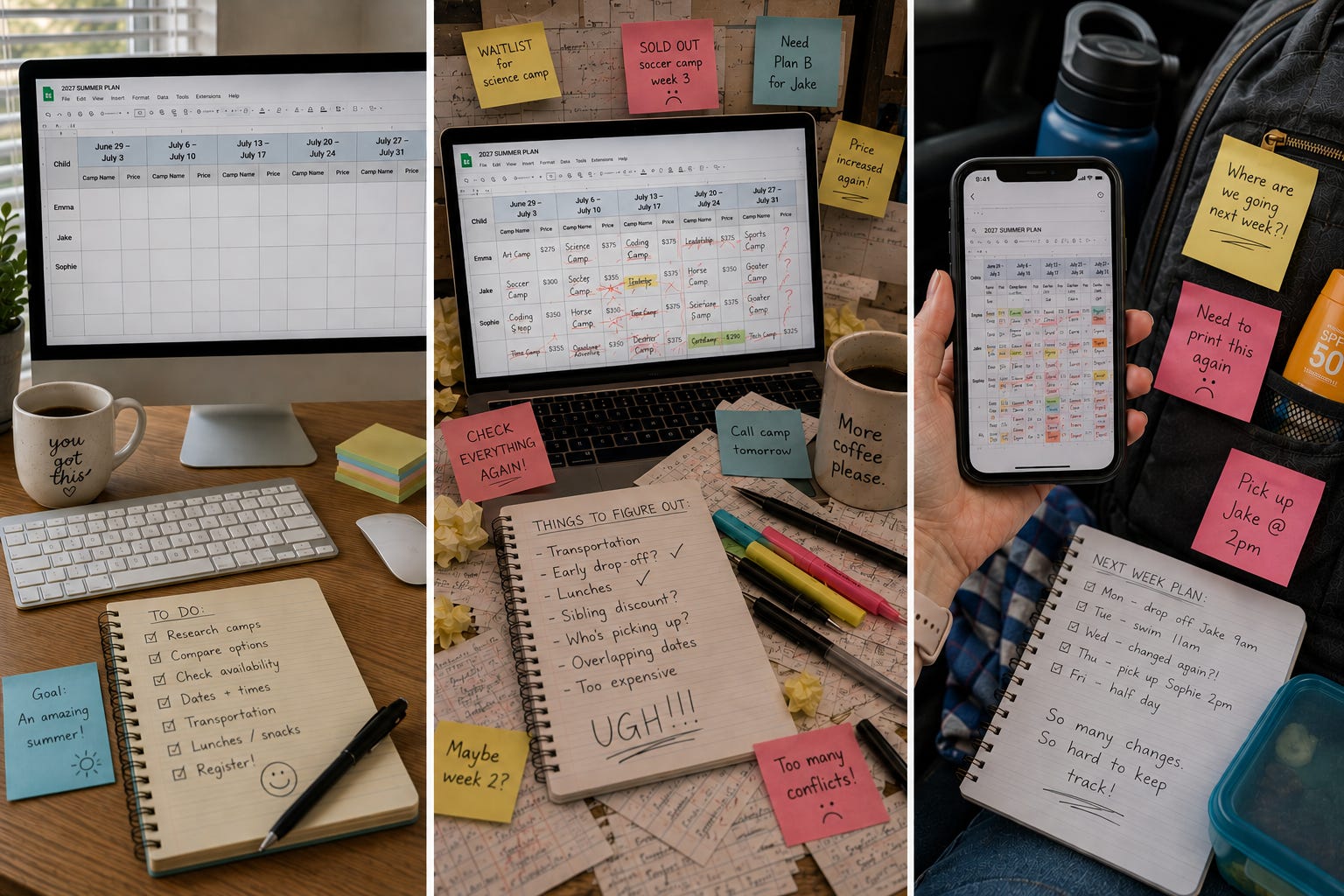
To understand why spreadsheets fail, look at how the summer planning timeline moves from January to June. A spreadsheet handles the early stages okay, but it completely falls apart during the final stretch.
Phase 1: The Research Phase (January – February)
Your spreadsheet looks beautiful right now! You are simply gathering information and typing clean data into rows and columns.Phase 2: The Chaos Phase (March – April)
Camps sell out fast. Sessions switch around, and you are forced to constantly delete, re-type, and swap cells around. Your clean grid starts to look messy.Phase 3: The Delivery Phase (May – June)
Now you are actually living the schedule and on the move. The spreadsheet becomes completely unreadable on your mobile phone and is suddenly useless when you need it most.
Meet the Modern Alternative: KikiPlan
You do not need to spend another summer trapped in Excel gridlock. You need a digital camp planner designed specifically for the chaotic reality of summer planning. That is why we built KikiPlan.
KikiPlan takes the data entry, the endless Googling, and the texting communication out of your hands and replaces them with a seamless, automated platform.
Here is exactly how KikiPlan replaces your messy spreadsheet and saves your summer:
🤖 1. Autopilot Summer Matching: Stop spending your weekends jumping between fifty different browser tabs. Simply open the app and input your child’s age, their specific interests (like soccer, coding, theatre, or art), and your location. KikiPlan instantly crawls your area and suggests a complete, tailored summer itinerary that fits your family’s exact needs.
👥 2. One-Click Friend Sharing: No more confusing group texts. Once you map out a tentative schedule for your child, you can instantly share it with your friends inside the app. Your friends can look at your exact itinerary, see the specific session dates, and click “Join Camp.” KikiPlan takes them straight to the correct booking page for that exact session.
🔄 3. Live Mobile Calendar Syncing: KikiPlan lives on your phone, right where you need it. If a camp schedule changes or you decide to swap a session, the app updates automatically. The changes instantly sync to your phone’s native calendar and your spouse’s calendar.

Ditch the Grid and Take Back Your Free Time
Your time is valuable. You shouldn’t have to spend your winter evenings fighting with cell borders, broken formulas, and zoom settings on a tiny mobile screen. Next year, give yourself the gift of an organized, stress-free summer. Let a smart digital tool do the heavy lifting so you can focus on making summer memories with your kids.
Turn off the spreadsheet. Head over to KikiPlan.com and join our waitlist today to get early access to the ultimate digital camp planner!
Frequently Asked Questions
When should I start planning for summer camp?
You should start researching summer camps as early as January and February. Many popular specialty camps, sleep-away camps, and town-run programs open their registration windows during these winter months. Waiting until April or May often means dealing with long waitlists and limited session options.
What is the easiest way to organize summer camp schedules?
While many parents use paper calendars or Excel spreadsheets, the easiest way is to use a dedicated digital camp planner like KikiPlan.com. A digital planner keeps all your kids’ schedules in one mobile view, alerts you to overlapping times, and lets you sync the final calendar straight to your smartphone.
How do you coordinate summer camp schedules with friends?
Instead of sending long text messages back and forth with other parents, use KikiPlan’s one-click friend sharing feature. You can share your planned camp weeks directly inside the app. This allows your friends to see the exact session dates and join the same camp instantly, wiping out the risk of accidental booking mistakes.
How do I find summer camps near me that match my kid’s interests?
Instead of spending hours searching Google, you can use KikiPlan’s Autopilot Summer Matching. You simply type in your location, your child’s age, and what they love, like coding, theatre, or gymnastics. The app instantly filters local databases to show you the best matching programs in your neighbourhood.
KikiPlan.com offers a digital camp planning tool designed to replace spreadsheets, featuring automated camp matching, mobile calendar syncing, and friend-sharing capabilities for scheduling coordination. The platform aims to eliminate the manual, time-consuming research and planning process typically associated with booking summer camps.
To join the waitlist and get early access, visit KikiPlan.com.
